
Work with a collection of tools for creating and customizing different types of digital artwork. Process files in common image file types like JPG, BMP or PNG, as well as some proprietary formats like OCI and WPB. Check out layers for different elements of the drawing, as well as filters and effects.
openCanvas is a software utility intended to edit images and create artwork. It is loaded with tools that, together with your artistic skills, let you produce excellent results. Its interface is not too different from those of other similar programs. So much so, that there is not much to learn to start to use, at least, its basic features.
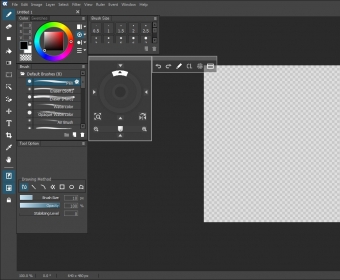
The workspace is composed of a series of independent windows that float over the desktop. Thus, it is easy to arrange the workspace for your convenience, and the resulting layouts can be saved or loaded according to your purposes. An important element in the workspace is naturally the canvas or drawing region. Since you can open various canvases, it is possible to work on various projects simultaneously.
The program supports such common image formats as JPG, BMP, and PNG. Likewise, it is compatible with other file types, like OCI, WPB, and PSD, which allows sharing your project with users of other painting software. Regrettably, though, the program does not support as many formats as other available utilities. more






Comments (1)